Windows CAN bus software

CAN bus simulator, monitoring and diagnostics

A CAN tool for virtual-bus simulation, live monitoring, signal generation, trace, and diagnostics — with or without a hardware adapter. The trial lasts 28 days.

Windows 7 / 8 / 10 / 11 · 28-day trial · Licence from $800

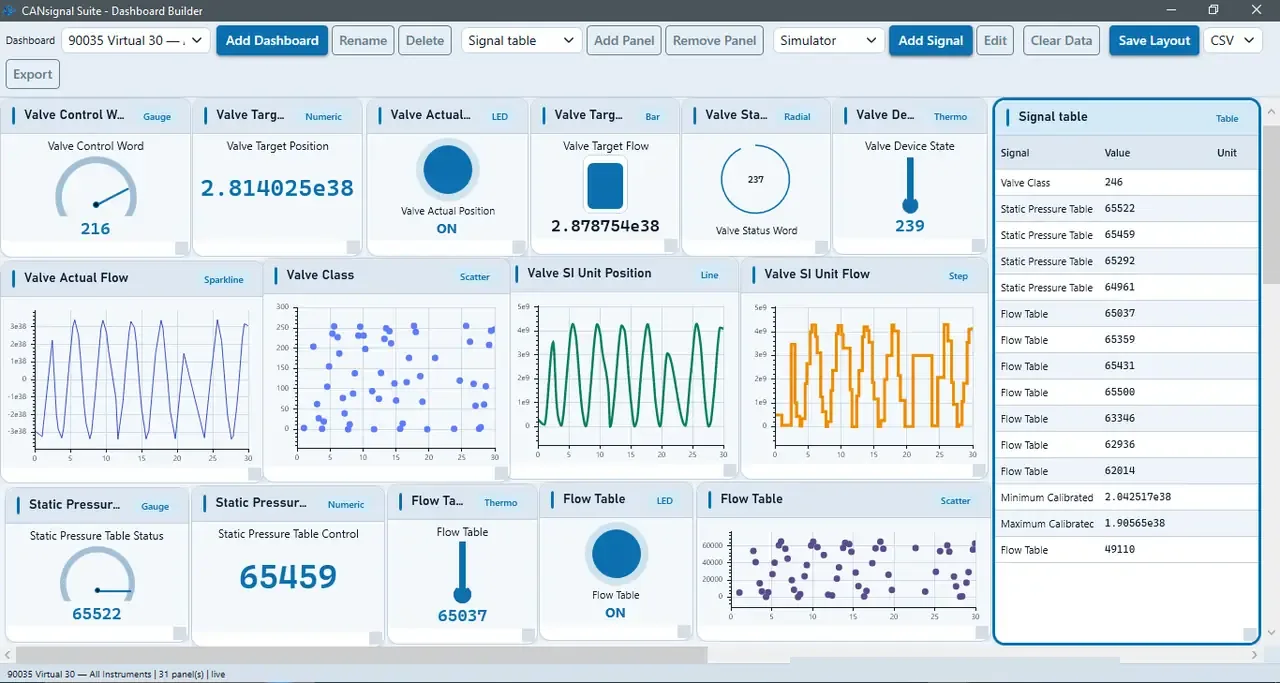
CANsignal Suite Dashboard Builder

Live instrument panels bound to simulator signals.

Works with

  • PEAK
  • Kvaser
  • VSCOM
  • Virtual CAN

Overview

What CANsignal Suite is for

Built for lab and field workflows

CANsignal Suite brings simulation, monitoring, and diagnostics into one Windows desktop app. Start on Virtual CAN without hardware, then connect PEAK, Kvaser, or VSCOM adapters when you are ready for the physical bus.

From EDS to live signals

Import device descriptions, view and edit Object Dictionary entries, capture Trace, and plot Live Graphs. Signal generators create repeatable traffic while you test a new device or debug a live CAN bus.

Light core or full Professional

Light ($800, one-time) is the offline engineering toolkit and still connects to CAN hardware. Professional ($1,400, one-time) adds Dashboard Builder, Python Studio, CAN AI, EDS analysis, compliance views, and commissioning.

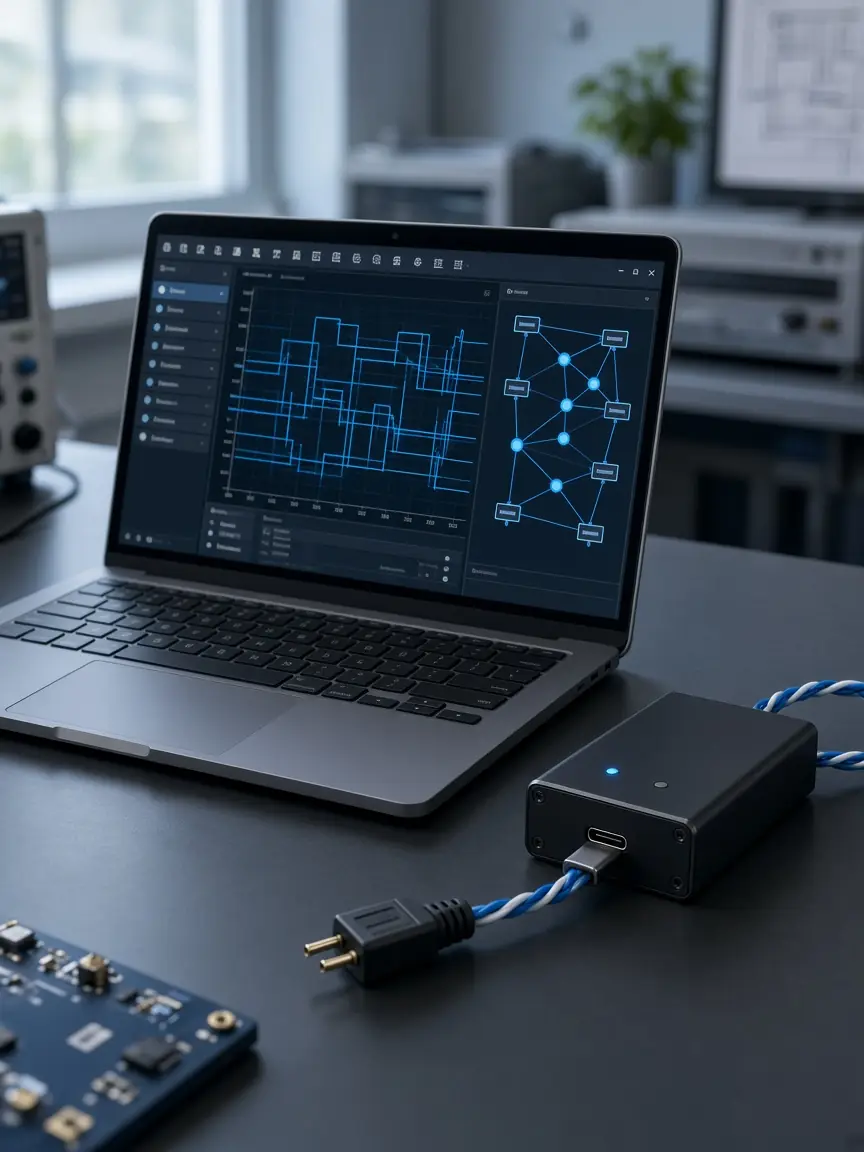
CAN engineering lab workspace with laptop and USB-CAN adapter

Capabilities

Industrial-grade CAN engineering

One desktop application for simulation, monitoring, EDS work, diagnostics, and automation.

Virtual CAN & hardware

Run a virtual CAN bus with no hardware, or connect PEAK, Kvaser, and VSCOM adapters.

Object Dictionary

Import an EDS file, then view, read, and modify Object Dictionary entries.

Trace & Live Graphs

Capture frames, decode traffic, and plot signals in real time.

Signal Generators

Generate repeatable signals on a simulated node or a live CAN bus.

Python automation

Script workflows in Python Studio on Professional.

Dashboards & CAN AI

Live dashboards and Offline / Online CAN AI on Professional.

How the CAN tool is used

In the app

See the whole network at a glance

  • Compose live dashboards with gauges, numerics, bars, and LEDs.
  • Bind panels to simulator signals without leaving the canvas.
  • Use Live Graphs alongside Trace for deep signal inspection.

In the app

CAN communication and diagnostics

  • Import an EDS file and work in the Object Dictionary.
  • Validate and compare EDS files on Professional.
  • Map PDOs and check that the payload still fits the frame.

In the app

Automate what you repeat

  • Python Studio for scripts that talk to your project.
  • Signal Generators for repeatable stimulus on virtual or real buses.
  • Reports and compliance views for hand-off and review.

Future work

CAN FD is planned, not in this release

Trial, Light, and Professional are Classical CAN tools. CAN FD is on the roadmap for a later version. It is not available in the current software.

Choose your edition

Trial to evaluate, Light for offline core work, Professional for the full suite.

Trial

Evaluate core engineering workflows with documented limits.

Free Trial

  • Core simulation, Trace, and Live Graphs
  • EDS import and Object Dictionary
  • Up to 7 Signal Generators
  • Hardware and Virtual CAN connect
  • 28 days, internet required for the Trial session

Light

Commercial light edition — offline core engineering.

$800

  • Full offline core engineering toolkit
  • Up to 15 Signal Generators
  • One-time activation, then offline use
  • One licence = one computer
  • One-time licence $800

Get a quote

Need Any Consultation or Have a Project in Mind?

We Are Always With Your Business

Get Free Quote